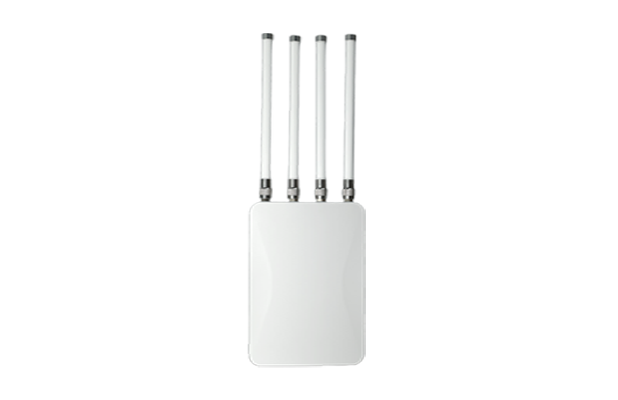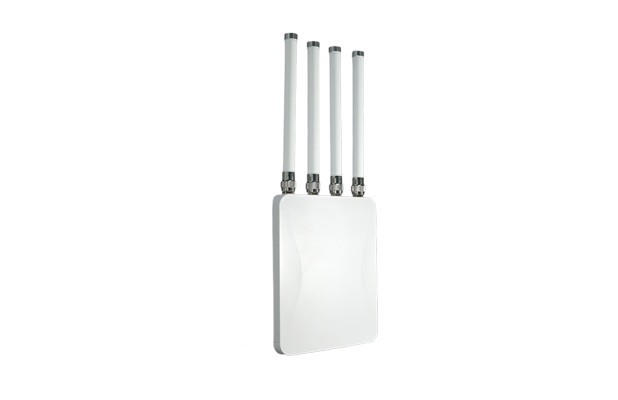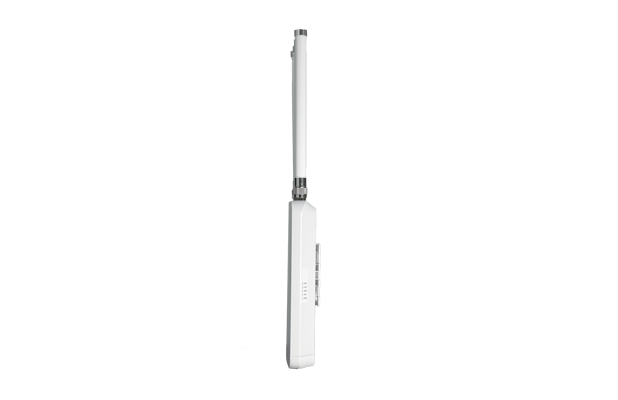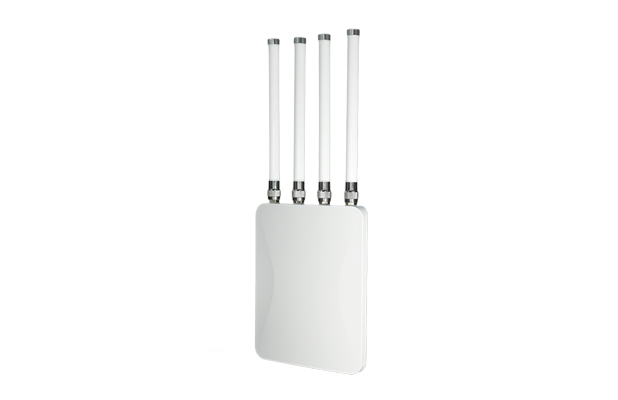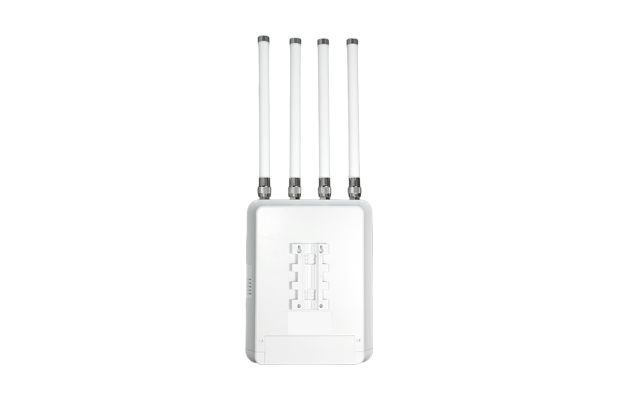

WOBICOM® N900 is a high-performance, high-speed dual-band WiFi7 outdoor productthat can provide 2 × 2 (2.4GHz) + 2×2 (5GHz), 2.4GHz provides a maximum access rate of688Mbps, and 5GHz provides a maximum access rate of 2882Mbps. The total rate isnearly 3600Mbps and supports 128 users.
| Specifications | ||||
| 2.4GHz Frequency Band | 2.4GHz ~ 2.484GHz (802.11 b/g/n/ax/be) | |||
| 5GHz Frequency Band | 5.150GHz~5.850GHz (802.11 a/n/ac/ax/be) | |||
| Antenna 2.4GHz | 2 2.4GHz antennas, each gain: 6dBi | |||
| Antenna 5GHz | 2 5GHz antennas, each with a gain of 6dBi | |||
| Wireless Speed | 2.4GHz provides a maximum access rate of 688Mbps, and 5GHz provides a maximum access rate of 2882Mbps, with a total rate of nearly 3.6Gpbs. | |||
| Device Capacity | 128 | |||
| 2.4GHz Tx Power | <26±2dBm | |||
| 5GHz Tx Power | <25±2dBm | |||
| Interface (WAN) | 1 × 10/100/1000/2500Mbps WAN port, support PoE 48V power supply | |||
| Interface (LAN) | 1 × 10/100/1000Mbps LAN port | |||
| Button | Reset button (press and hold for 6-10 seconds to restore to factory default settings) | |||
| Status indicator | WiFi: When either 2.4G/5G is turned on (green is always on, data is sent or received, flashing, WiFi is turned off, off) LAN: Gigabit LAN port indicator light (green, off when not connected, always on when connected, flashing when data is being sent or received) WAN: Gigabit WAN port indicator light (green, off when not connected, always on when connected, flashing when data is being sent or received) SYS: System light, flashes when the system is normal PWR: Power indicator light (green, always on when powered on; off when not powered on) | |||
| Power Supply | DC2.0 12V/2A, PoE 802.3at | |||
| Power Consumption | <22W | |||
| Dimensions | 230mm × 180mm × 47.1mm | |||
| Net Weight | 0.85kg | |||
| Work Environment | Normal operating temperature: -30°C to 55°C Storage temperature: -40°C to 70°C Humidity: 5% to 95% (no condensation) | |||
| Protection Level | IP65 | |||
| Software Features | ||||
| front page | Working mode: Fat AP mode and Thin AP mode Wireless AP download rate, wireless AP upload rate, running time Device information, device description, intranet information, WIFI information | |||
| Support Mode | Gateway mode: The device is connected to the WAN through the WAN port and then accesses the Internet using static IP, DHCP or PPPoE AP mode: The device covers other clients and devices with wireless network signals and uses Ethernet to connect to other routers to access the WAN. | |||
| Wireless Capabilities | SSID Broadcast Number of SSIDs: 4 (2.4GHz) + 4 (5GHz), support Chinese SSID Hide SSID function Wireless encryption: OPEN, WPA/WPA2PSK-TKIPAES, WPA3PSK-AES Wireless MAC address filtering: support whitelist WiFi timer off function User isolation: isolation between wireless networks and isolation within APs Transmit power setting Wireless client number limit QoS: WMM | |||
| Network Features | Connection method: static address, obtained from the management server, obtained from the gateway DHCP server: It can be a built-in DHCP server or an external DHCP server Cloud Platform Server Firewall function PPPoE function: Support PPPoE dial-up function | |||
| Device Management | Backing up configuration information Restore configuration information Restore factory settings Restart includes scheduled restart and immediate restart Firmware Upgrade Time management includes system display time and time synchronization System log Fat and thin AP switching function | |||